Labnol guides adding Google Maps and PayPal features to Google Sheets
Step‑by‑step tutorials show how to bring mapping and payment data into spreadsheets without coding.
By Felo News Desk · Published
Labnol published two tutorials on Oct. 30, 2026 that detail how to extend Google Sheets with Google Maps formulas and PayPal transaction imports, both using Google Apps Script.
What happened
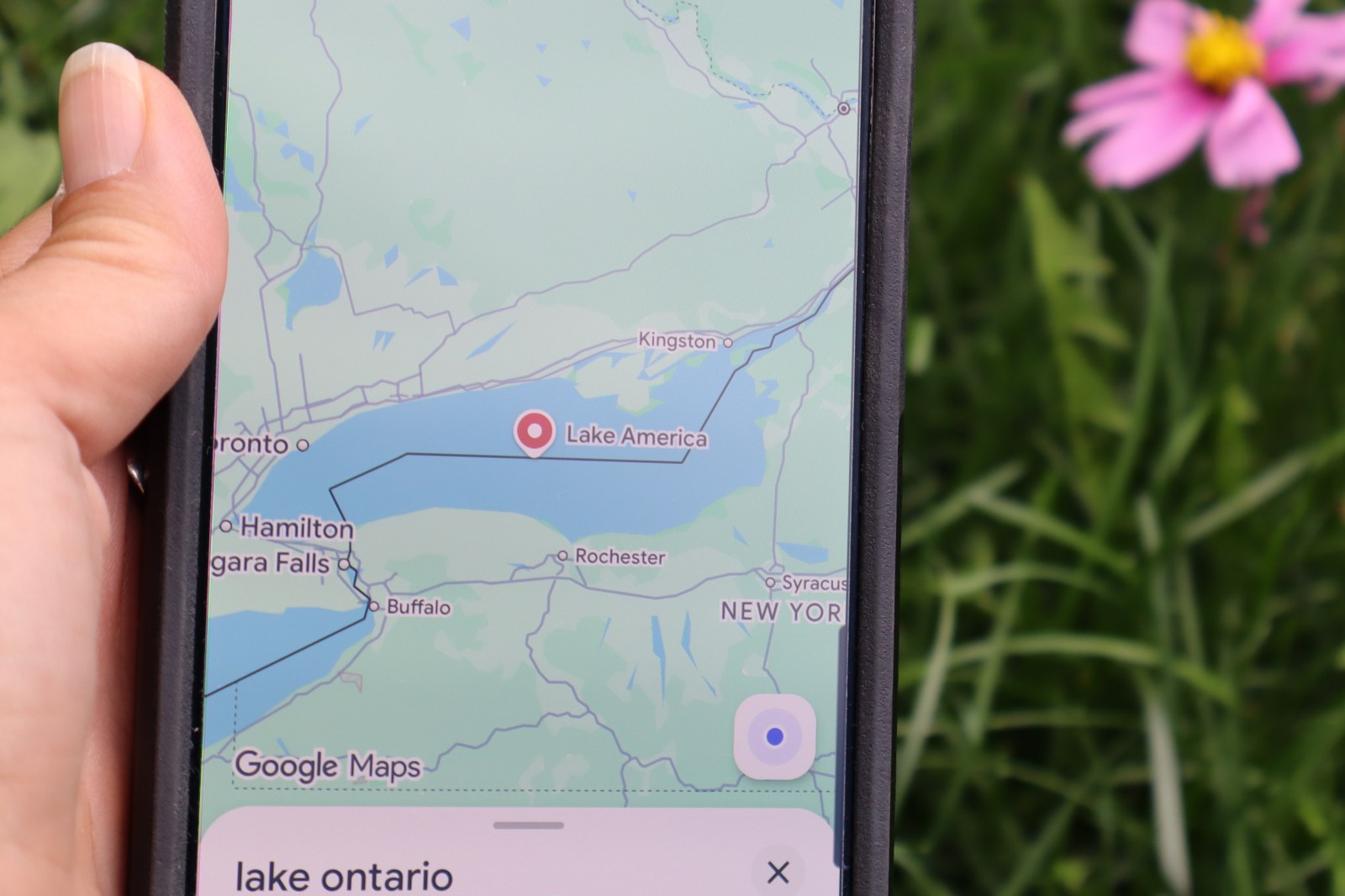
In the first guide, Labnol describes installing custom functions such as GOOGLEMAPS_DISTANCE and GOOGLEMAPS_TIME that call Google Maps services directly from sheet cells. The tutorial explains opening the sheet’s Extensions → Apps Script menu, pasting the function code, and then using formulas like =GOOGLEMAPS_DISTANCE(A1, B1, "driving") to compute distances or travel times. It also covers reverse‑geocoding, retrieving GPS coordinates, printing driving directions, and getting elevation data.
The second guide walks users through creating PayPal API credentials, setting up a new Apps Script project, and running a script that pulls transaction data—payments, subscriptions, donations, refunds or chargebacks—into a sheet. Labnol notes that the imported data can be exported to CSV or linked to QuickBooks, and that Indian Tally users can convert the sheet to XML for bulk import.
What the reports add
- Both tutorials emphasize that the custom functions require no external API key because results are cached in the spreadsheet, reducing the risk of hitting quota limits. The Maps tutorial includes a performance tip: “Improve Formula Performance by Caching.”
- The PayPal tutorial specifies that only the “Transaction Search” permission should be enabled in the PayPal app settings to limit access, and it provides example transaction type codes (e.g.,
T0002for subscriptions,T0014for donations,T1107for refunds/chargebacks). - Both articles were published on Oct. 30, 2026, and the PayPal guide includes a comment in the script (
/* @OnlyCurrentDoc */) that restricts the script to the current spreadsheet.
What was said
"You can bring the power of Google Maps to your Google Sheets using simple formulas with no coding." – Labnol, Google Maps Formulas for Google Sheets
"Give your App a name – Transaction Importer for Google Sheets – and click the Create App button." – Labnol, How to Import PayPal Transactions into Google Sheets
Both pieces also note that the Google Maps formulas are cached to avoid quota issues, and that the PayPal client ID and secret generated in the developer dashboard are required later in the script.
How it came about
These tutorials follow Labnol’s earlier coverage of Google Apps Script, including a Oct. 30 article on an auto‑sorting script for sheet tabs (Google Apps Script auto‑sorts spreadsheet sheets). Together, the pieces illustrate how the platform can be leveraged for both geographic calculations and financial data integration without requiring advanced programming skills.
Key facts
- Labnol shows how to install Google Maps functions in Sheets via Apps Script (labnol.org)
- Formulas like GOOGLEMAPS_DISTANCE compute driving distance between two addresses (labnol.org)
- Labnol explains creating PayPal API credentials and a Google Sheets project to import transactions (labnol.org)
- Imported PayPal data can be exported to CSV, QuickBooks, or XML for Tally (labnol.org)
Sources
- [1] labnol.org
- [2] labnol.org